
Granting access to Yelp for Ads
1. Go to your Yelp Business Account Settings page
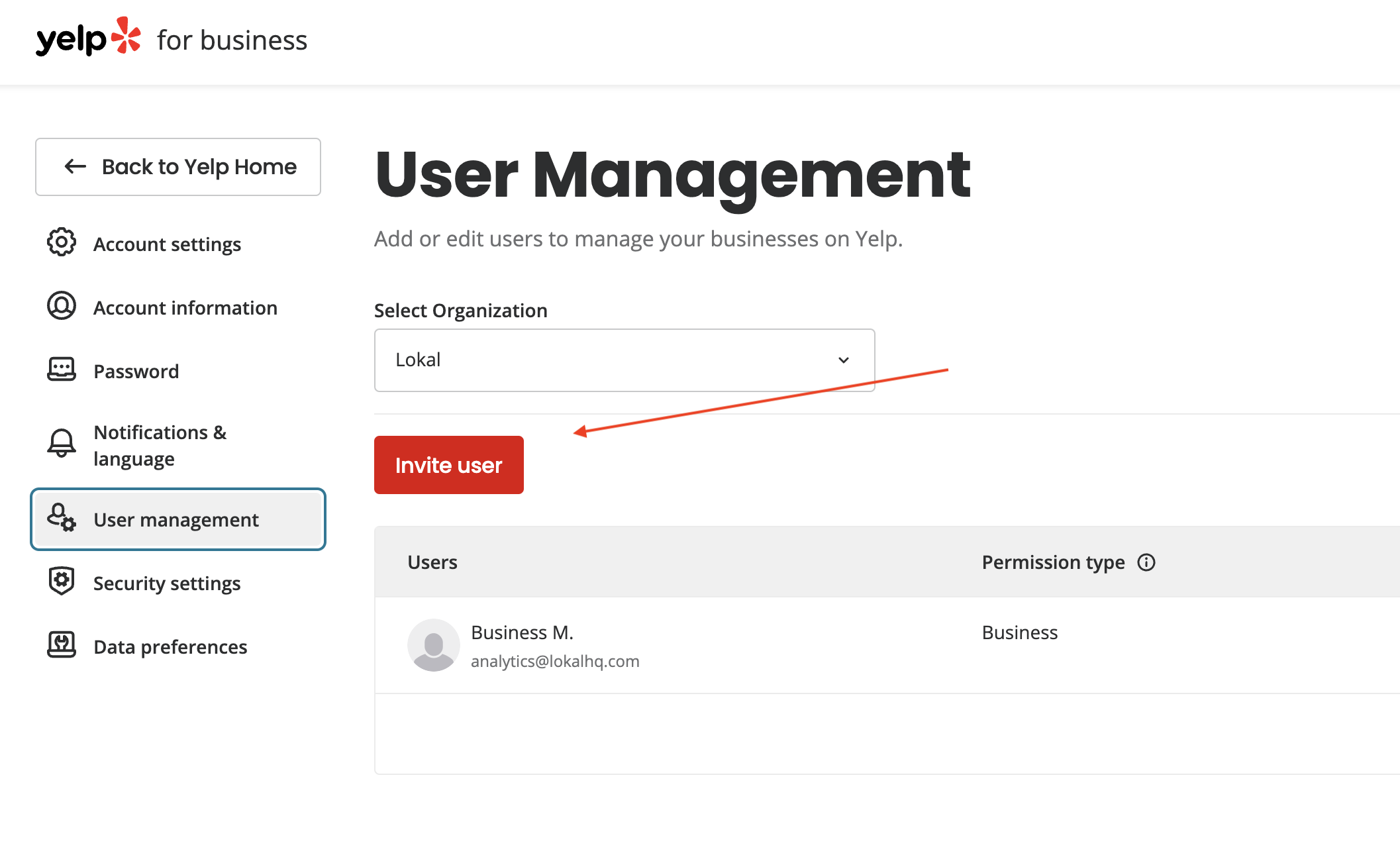
2. Click User Management in the left navigation menu (if this option is not available, you’ll need to complete the form on this share access request page to invite a new user)
3. Click ‘Invite user ’
4. Add ‘analytics+yelp@lokalhq.com ’ to your organization

5. Click ‘Save ’ to send invite.
5. Let Lokal know to watch for the invitation email from Yelp
Turning Off Yelp Ads
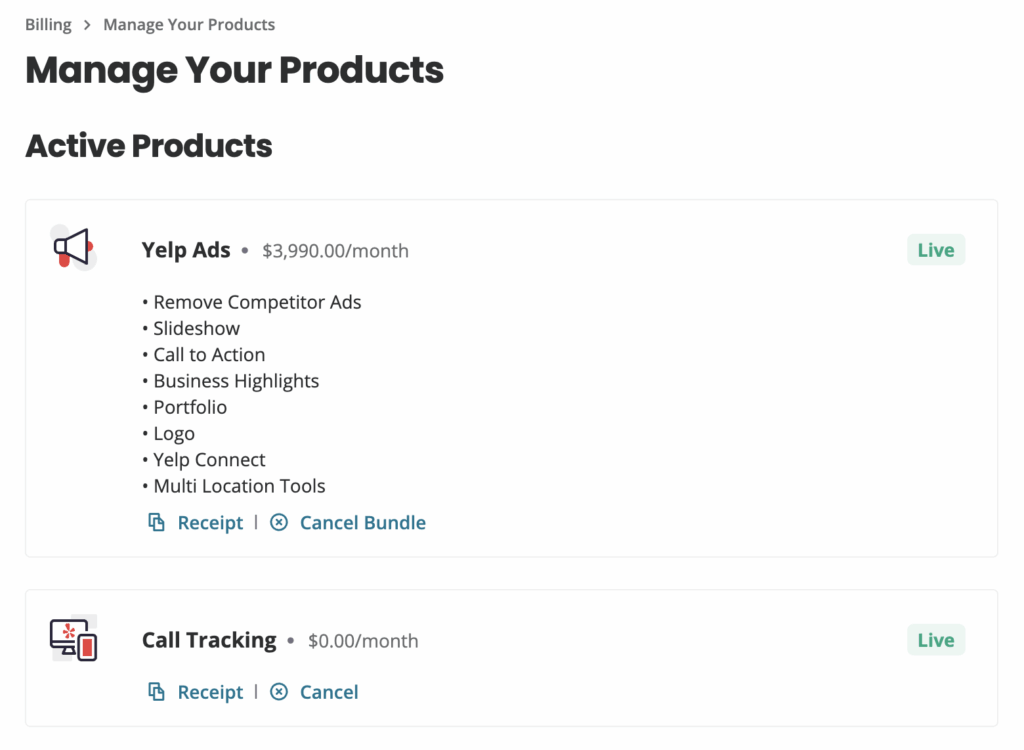
1. Go To “Billing” And Click “Manage”

2. Click “Cancel Bundle” In Yelp Ads Group