

Granting access to HousecallPro
This is if you use HousecallPro as your CRM on your website. We need access to configure the scheduler, etc.
Please your CSM or another HousecallPro add to grant Lokal access.
1. Go to your HousecallPro Dashboard page
2. Click the ⚙️ (gear) icon in the upper right corner

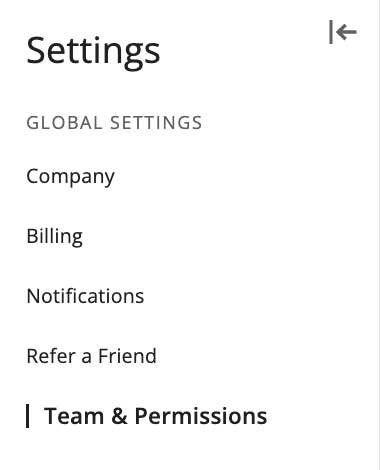
3. Click ‘Team & permissions‘
4. Click ‘Add Team Member‘

4. Add Lokal’s email ‘analytics-CODE@lokalhq.com’
Ask Lokal Account manager for correct email if it was not provided
